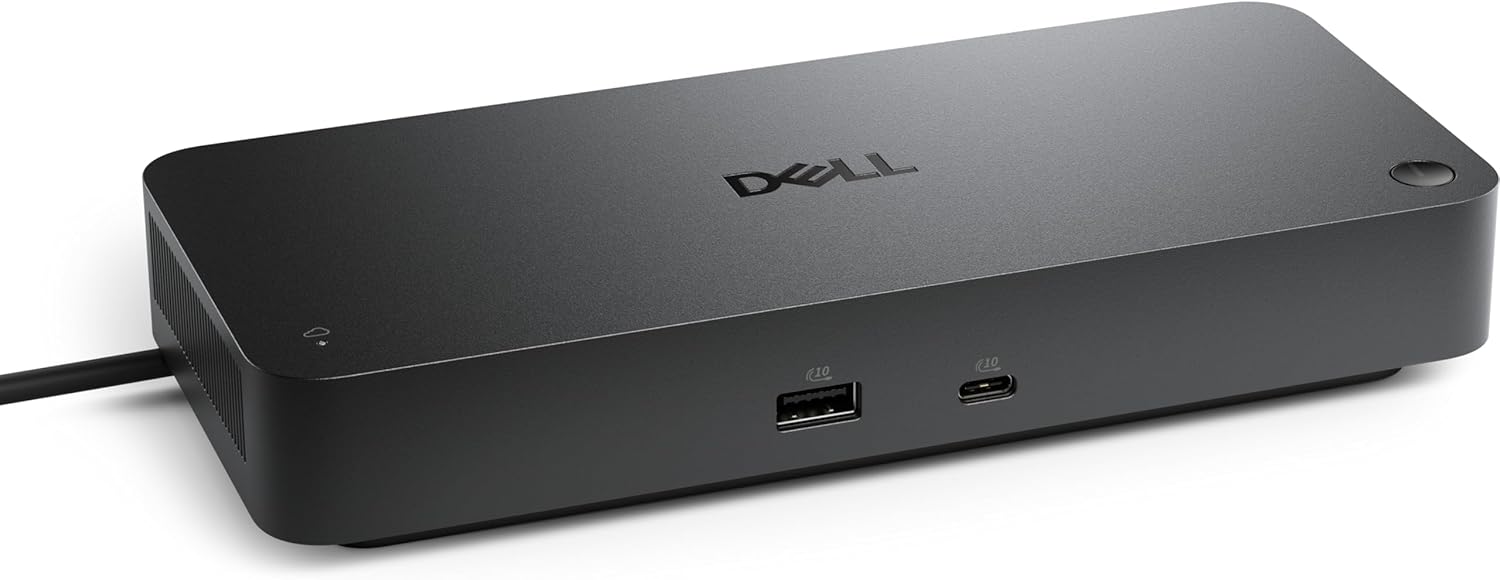


Dell Pro Thunderbolt 4 Smart Dock SD25TB4 – USB-C Station 130W, 4 Displays 4K, 2X DP 1.4, HDMI 2.1, 2X Thunderbolt 4, 2.5GbE, Wi-Fi, Sustainable Design
Dell Pro Thunderbolt 4 Smart Dock SD25TB4 – USB-C Station 130W Review
Reviewed by: Daniel M. | United States
Rating: 4/5 ⭐⭐⭐⭐
The Dell Pro Thunderbolt 4 Smart Dock SD25TB4 is an exceptional all-in-one connectivity hub built for the modern professional. Designed to deliver ultra-fast Thunderbolt 4 speeds, 130W power delivery, and support for up to four 4K displays, this smart dock is a powerhouse solution for enterprise setups, creative professionals, and remote workers alike. Its sustainable design, extensive port selection, and network-ready capabilities make it one of Dell’s most impressive docking stations to date.
Design and Build Quality
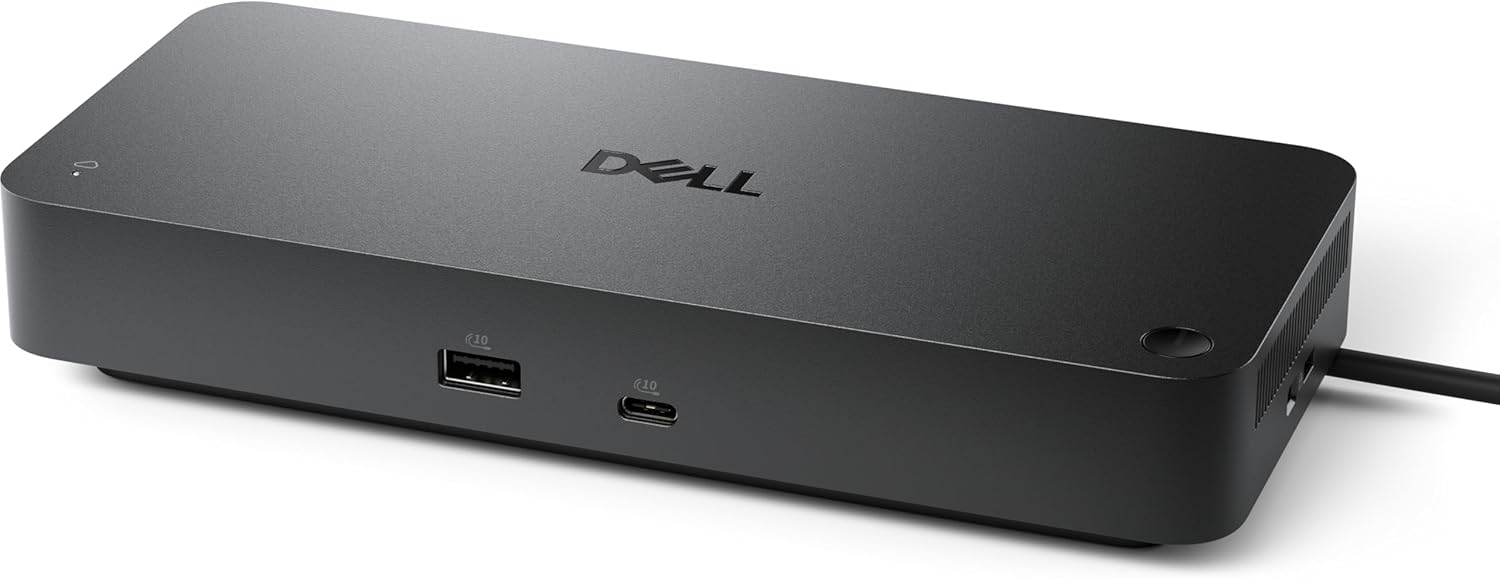
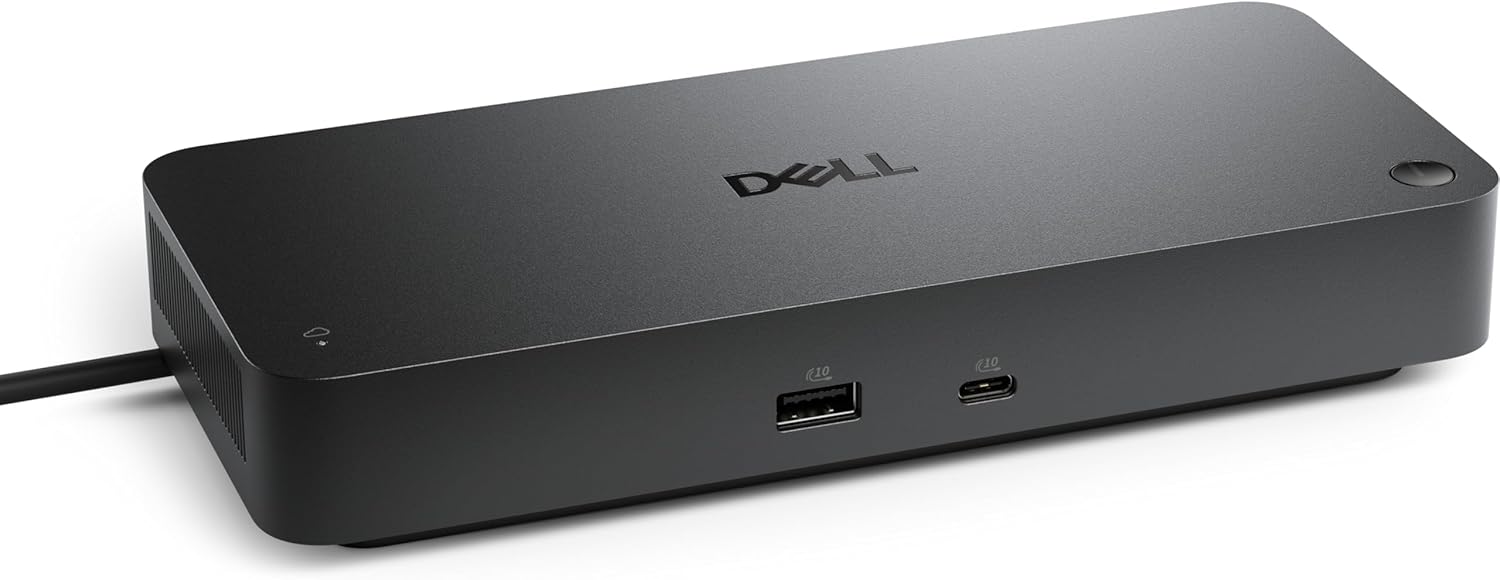
Dell has always excelled at crafting practical yet elegant workstation accessories, and the SD25TB4 is no exception. The dock’s sleek graphite-black finish, rounded corners, and compact footprint make it visually compatible with modern desks, whether at home or in an office environment.
Constructed from recycled materials, the dock also supports Dell’s sustainability commitment, using eco-friendly packaging and durable build quality. The chassis feels solid, with reinforced port edges to handle frequent cable swaps without loosening or wear.
At just under one pound, it strikes the perfect balance between portability and sturdiness. It’s small enough to fit into a backpack but heavy enough to stay put on your desk during use.
Connectivity and Ports
Where the Dell Pro Thunderbolt 4 Smart Dock SD25TB4 truly shines is its comprehensive array of ports, all designed to maximize workflow efficiency. Onboard, you’ll find:
-
2x Thunderbolt 4 (USB-C) ports
-
2x DisplayPort 1.4
-
1x HDMI 2.1 port
-
4x USB-A 3.2 Gen 2 ports (10 Gbps)
-
1x USB-C 3.2 Gen 2 (front-facing)
-
1x 2.5GbE Ethernet port
-
1x Combo Audio Jack (3.5mm)
-
Kensington Security Slot
This setup allows professionals to connect up to four 4K monitors simultaneously, or one 8K monitor with blazing-fast refresh rates, making it perfect for design, editing, and trading environments.
The Thunderbolt 4 ports support up to 40 Gbps data transfer, ensuring rapid file movement and ultra-low latency between connected devices. Plus, the front-facing USB-C port doubles as a fast-charging outlet for smartphones, tablets, or other accessories.
Power Delivery and Charging Performance
One of the major highlights of this dock is its 130W power delivery capacity. That’s more than enough to fully charge most Dell XPS, Latitude, or Precision laptops — even while powering multiple monitors and USB devices.
This is especially valuable for professionals using high-performance laptops, which often require more wattage than typical USB-C docks can provide. The SD25TB4 delivers stable power output, preventing throttling or unexpected disconnections under heavy workloads.
The intelligent power management system automatically regulates power distribution, ensuring all connected peripherals receive adequate energy without overheating or overloading.
Display and Graphics Support
Dell’s Thunderbolt 4 architecture allows the SD25TB4 to support up to four 4K displays or one 8K display — a level of flexibility rarely seen in docking stations.
Thanks to DisplayPort 1.4 and HDMI 2.1, the dock can handle 4K at 120Hz or 8K at 60Hz, delivering crisp visuals and vibrant color accuracy. This is especially beneficial for content creators, video editors, CAD engineers, and traders, who depend on clear, high-resolution multi-monitor setups for productivity.
The dock also supports HDR10, providing improved contrast and brightness levels across displays — a noticeable advantage for users working in graphics, design, or entertainment.
Performance and Network Reliability
Beyond display capabilities, the SD25TB4 offers lightning-fast network connectivity with its built-in 2.5 Gigabit Ethernet port. Whether you’re transferring large files or streaming in 4K, the dock maintains consistent speeds without drops.
Its Thunderbolt 4 backbone guarantees seamless data throughput — from high-speed external drives to real-time editing on connected storage. You can easily connect NVMe SSD enclosures, 10GbE adapters, or video capture cards with minimal latency.
In daily usage, the dock performs flawlessly — powering multiple displays, peripherals, and external devices simultaneously without noticeable lag or instability.
Ease of Use and Compatibility
Setup is plug-and-play, which is one of Dell’s strong suits. The Pro Thunderbolt 4 Smart Dock is compatible with Windows, macOS, and Linux systems, as well as Thunderbolt 3 and USB4 devices.
It works best with Dell’s ecosystem (like Latitude, XPS, and Precision laptops) but also supports HP, Lenovo, Asus, and Apple laptops without major issues. The Dell Display Manager (DDM) software enhances usability by allowing quick adjustments to monitor layouts and dock configurations directly from your PC.
Another plus is firmware updatability — Dell’s integrated firmware update tool keeps your dock optimized with future OS releases, ensuring longevity and security.
Smart Features and Remote Management
The “Smart Dock” designation is well-earned. The SD25TB4 features Intel vPro and MAC address pass-through, enabling IT administrators to remotely manage devices in enterprise environments.
It’s also compatible with Dell Command Update, allowing firmware and BIOS updates to be pushed directly through corporate networks. This makes it a favorite among IT professionals managing multiple workstations.
Additionally, the dock supports Wake-on-LAN, PXE Boot, and LAN/WLAN switching, which make it suitable for corporate and government installations where reliability and control are critical.
Sustainability and Energy Efficiency
Dell’s growing commitment to sustainability is reflected in this product. The SD25TB4 uses recycled aluminum and ocean-bound plastics, reducing its environmental footprint. The dock is also ENERGY STAR® certified, meaning it consumes minimal power in idle states.
The firmware-controlled sleep mode automatically minimizes energy draw when no devices are connected, improving long-term energy efficiency. This makes it an eco-conscious choice for both businesses and individuals aiming for greener tech solutions.

Pros
✅ Supports up to 4x 4K or 1x 8K display
✅ 130W power delivery — perfect for high-end laptops
✅ 2.5GbE Ethernet for ultra-fast networking
✅ Dual Thunderbolt 4 ports for expansion
✅ Sustainable design with recycled materials
✅ Excellent enterprise management tools
✅ Plug-and-play with cross-platform support
✅ Sleek, compact, and durable design
Cons
❌ Premium price compared to generic Thunderbolt docks
❌ Slightly bulky power brick
❌ Limited performance on USB-C-only (non-Thunderbolt) systems
❌ Requires firmware updates for full macOS optimization
Ideal For
The Dell Pro Thunderbolt 4 Smart Dock SD25TB4 is tailor-made for:
-
Professionals and creators needing multi-monitor setups
-
Corporate environments requiring IT manageability and security
-
Gamers and streamers who value 4K+ output and minimal latency
-
Hybrid workers wanting a single-cable solution for charging and connectivity
Final Verdict
The Dell Pro Thunderbolt 4 Smart Dock SD25TB4 is one of the most capable docking stations in its class — offering top-tier performance, future-proof connectivity, and enterprise-grade control. Whether you’re running multiple displays, transferring massive media files, or simply want a cleaner, one-cable workstation, this dock delivers.
Its 130W power output, 4K/8K display support, and sustainable design make it a worthy investment for professionals and organizations seeking both performance and eco-responsibility.
⭐ Final Rating: 4/5 ⭐⭐⭐⭐ — A premium, future-ready dock combining power, versatility, and sustainability for serious professionals.